

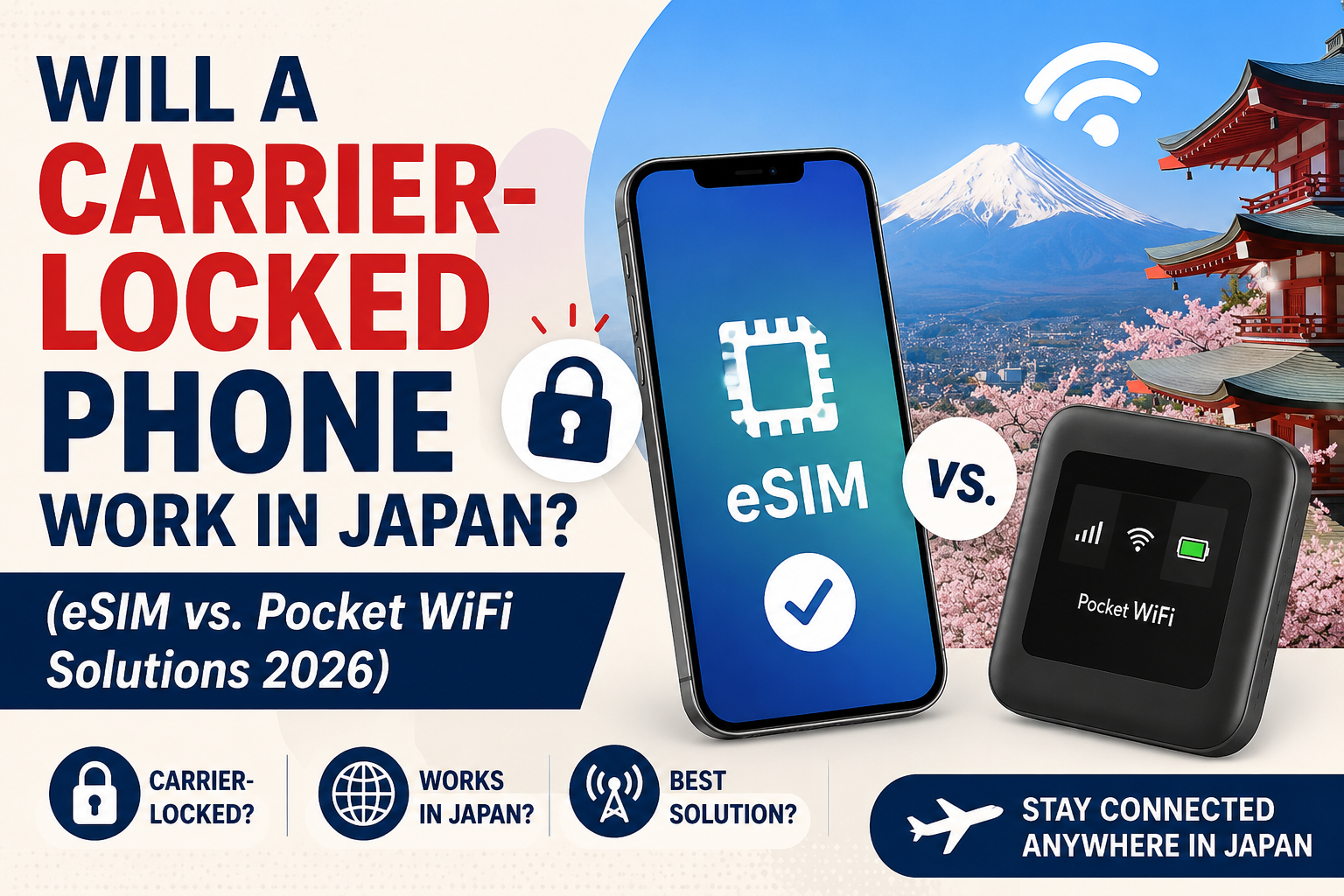
No, a carrier-locked phone cannot activate a local Japanese SIM or travel eSIM. If your phone is locked, your two options for mobile internet in Japan are paying for your home carrier’s daily international roaming pass or renting a Pocket WiFi unit, which works over Wi-Fi and circumvents carrier locks completely.
What “carrier-locked” means for Japan travel
A carrier lock is a software restriction placed by your home mobile operator (Verizon, AT&T, EE, Rogers, etc.) that blocks the phone from accepting SIM profiles or eSIMs from other networks. When you land at Narita or Kansai and try to activate a Japan eSIM on a locked phone, the profile installs but fails to register on KDDI, docomo, SoftBank, or Rakuten.
Two facts to keep straight:
- eSIM-capable ≠ unlocked. An iPhone 15 sold on a carrier contract can support eSIM technically but still refuse a foreign eSIM until the lock is released.
- Mainland-China iPhone models (A-suffix, e.g. iPhone 14 A2884) have no eSIM hardware at all — separate issue from carrier locking.
How to check if your phone is unlocked in 60 seconds
iPhone (iOS 14 and newer)
- Open Settings → General → About.
- Scroll to the Carrier Lock or Network Provider Lock line.
- If it reads “No SIM restrictions,” the phone is unlocked and a Japan Wireless eSIM will activate normally. Any other text (e.g. “SIM locked”) means you must contact your carrier before travel.
Android (Samsung, Pixel, Xiaomi, etc.)
- Samsung Galaxy: Settings → Connections → More connection settings → Network unlock (varies by region).
- Google Pixel 4 and newer: Settings → Network & Internet → SIMs. If you can add a new eSIM profile without errors, the device accepts foreign carriers.
- Universal test: insert a physical SIM from a different carrier, or attempt to install a Japan eSIM QR code. If it prompts for an unlock code or shows “SIM not supported,” the phone is locked.
The safest sequence for any traveler is: check the lock status first, install the eSIM QR before departure, then activate on arrival by switching on data roaming. If you buy an eSIM and your phone turns out to be locked, most providers’ eSIMs are non-refundable.
How to unlock a phone before flying to Japan
- United States: carriers must unlock a device after the contract or device payment plan is complete. T-Mobile, Verizon, and AT&T all have online unlock request forms; processing takes 2–48 hours.
- United Kingdom / EU: unlocking has been free by law since December 2021 for most contracts. Request via your carrier’s app.
- Australia: Telstra, Optus, and Vodafone unlock free on request once the device is paid off.
- Japanese carriers: if you bought your phone in Japan after October 2021, it is sold unlocked by law.
If your status shows “SIM Locked” and your trip is less than 48 hours away, skip the carrier hassle and rent a Japan Wireless Pocket WiFi unit for airport pickup.
Locked phone workarounds compared
| Option | Price | Works on locked phone? |
|---|---|---|
| Japan Wireless 5G Unlimited eSIM (7-day) | $35.35 ($28.28 after 20% OFF) | No — requires unlocked eSIM-capable phone |
| Japan Wireless Pocket WiFi rental | Varies by term | Yes — shares WiFi with up to 10 devices |
| Holafly Japan eSIM (7-day unlimited) | $27.50 | No — requires unlocked phone, hotspot capped at 1GB/day |
| Home carrier international roaming | ~$12–$15/day (Verizon TravelPass, AT&T International Day Pass) | Yes — uses your existing plan |
| Airalo Japan eSIM (1GB) | from ¥600 | No — requires unlocked phone |
Japan Wireless includes a free Pocket WiFi backup guarantee: if the eSIM cannot connect after guided troubleshooting — including a carrier-lock check — a Pocket WiFi is provided at no extra cost. No other Japan eSIM seller offers a physical fallback.
Frequently Asked Questions
How do I know if my iPhone is carrier-locked?
Open Settings → General → About and look at the “Carrier Lock” line — if it says “No SIM restrictions,” the iPhone is unlocked and will accept a Japan Wireless eSIM. This check works on iOS 14 and newer. Any other status message means the phone is tied to your original carrier and cannot use a foreign eSIM until unlocked. Contact your carrier’s support to request an unlock, which is free in the US, UK, EU, and Australia once the device is paid off.
Will a locked iPhone connect to Japanese networks at all?
Yes, but only through your home carrier’s international roaming — not through a local Japan eSIM. Verizon TravelPass, AT&T International Day Pass, and similar plans cost about $12–$15 per day and use partner agreements with KDDI, docomo, or SoftBank. A locked phone cannot install and use a Japan Wireless eSIM ($35.35 for 7-day 5G Unlimited) or a Holafly eSIM ($27.50 for 7-day) because those profiles register directly on Japanese networks.
Can I still use Pocket WiFi if my phone is carrier-locked?
Yes — a Pocket WiFi rental works with any phone regardless of carrier lock, because your phone connects to the WiFi device, not directly to a Japanese SIM. Japan Wireless Pocket WiFi shares data across up to 10 devices and includes a power bank. This is the standard fallback for locked iPhones, older Androids without eSIM support, and mainland-China iPhone models that have no eSIM hardware.
How long does it take to unlock a phone for Japan travel?
Most US carriers process unlock requests in 2–48 hours once you meet contract conditions, so start at least a week before flying. T-Mobile, Verizon, and AT&T unlock via online forms. UK and EU carriers have been required to unlock free of charge since December 2021. Japanese-sold phones from October 2021 onward ship unlocked by law. If time is short, rent a Pocket WiFi or activate home-carrier roaming instead.
Are all newer iPhones unlocked automatically?
No — an iPhone 15 or 16 bought on a US carrier installment plan stays locked until the device is paid off, even though it supports eSIM technically. Apple Store full-price purchases in the US, UK, EU, and Australia are sold unlocked. Japanese Apple Store purchases and Japanese carrier phones sold after October 2021 are also unlocked by law. Always verify via the Carrier Lock line in Settings before buying a Japan eSIM.