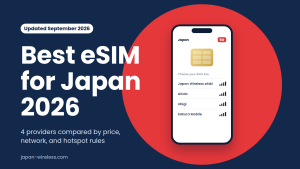


What Is an eSIM and Why Use One in Japan?
An eSIM (embedded SIM) is a digital SIM card built directly into your device. It allows you to activate a mobile data plan without inserting a physical card. For travelers to Japan, this is incredibly convenient – you can purchase and activate a local plan online before or upon arrival. That means no searching for SIM vendors or waiting for delivery.
With eSIM, you can also keep your primary SIM installed (to retain your home number) while using a local data plan on the same phone. This dual-SIM feature keeps you connected for maps, messaging, and more. It’s quick to set up, secure (no physical card to lose), and ideal for travelers.
The 30-Second Compatibility Check
Your phone is eSIM compatible for Japan if it is an iPhone XR/XS or newer, a Google Pixel 4 or newer, or a Samsung Galaxy S20 or newer — and it is carrier-unlocked. Two 30-second checks confirm it: dial *#06# and look for an EID number under the IMEI, or open Settings > Cellular (iPhone) / Connections > SIM Card Manager (Android) and look for “Add eSIM” or “Add Mobile Plan.”
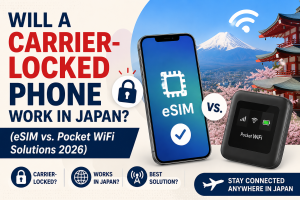
Two exceptions matter for Japan travelers: iPhones sold in mainland China have no eSIM hardware, and any phone still locked to a US, UK, or Australian carrier will reject a Japan Wireless eSIM even if the hardware supports it. Call your home carrier to unlock before you fly.
- Dial
*#06#on your phone’s keypad. If an EID (32-digit number) appears alongside the IMEI, your device has eSIM hardware. - Check settings. iPhone: Settings > Cellular > Add eSIM. Android: Settings > Network & Internet > SIMs > Add eSIM (or Connections > SIM Card Manager).
- Confirm unlock status. iPhone: Settings > General > About > Carrier Lock should read “No SIM restrictions.” Android: contact your carrier — there is no universal in-settings check.
If all three pass, a Japan eSIM will install and activate when you land.
List of eSIM Compatible Devices
Apple iPhone (2018–2026)
Every iPhone from XR and XS onward supports eSIM: XR, XS, XS Max, 11 series, SE (2020, 2022), 12 series, 13 series, 14 series, 15 series, 16 series, and 17 series. The iPhone 17 Air is eSIM-only (no physical SIM tray). US iPhone 14, 15, 16, and 17 models are eSIM-only. iPhones sold in mainland China lack eSIM hardware — check the model number in Settings > General > About before buying a plan.
Samsung Galaxy (2020–2026)
S20, S21, S22, S23, S24, S25 (all variants including Ultra), Note 20 and Note 20 Ultra, Z Flip 3/4/5/6, Z Fold 3/4/5/6, and the Galaxy A54 5G and newer A-series in select regions. US and European Galaxy models generally support eSIM; some Asian-market variants do not — check the model code before buying.
Google Pixel (2019–2026)
Pixel 4, 4a, 5, 5a, 6, 6a, 6 Pro, 7, 7a, 7 Pro, 8, 8a, 8 Pro, 9, 9 Pro, and 10 series all support eSIM. Pixel 3 has eSIM but limited third-party carrier support in some regions — verify before purchase.
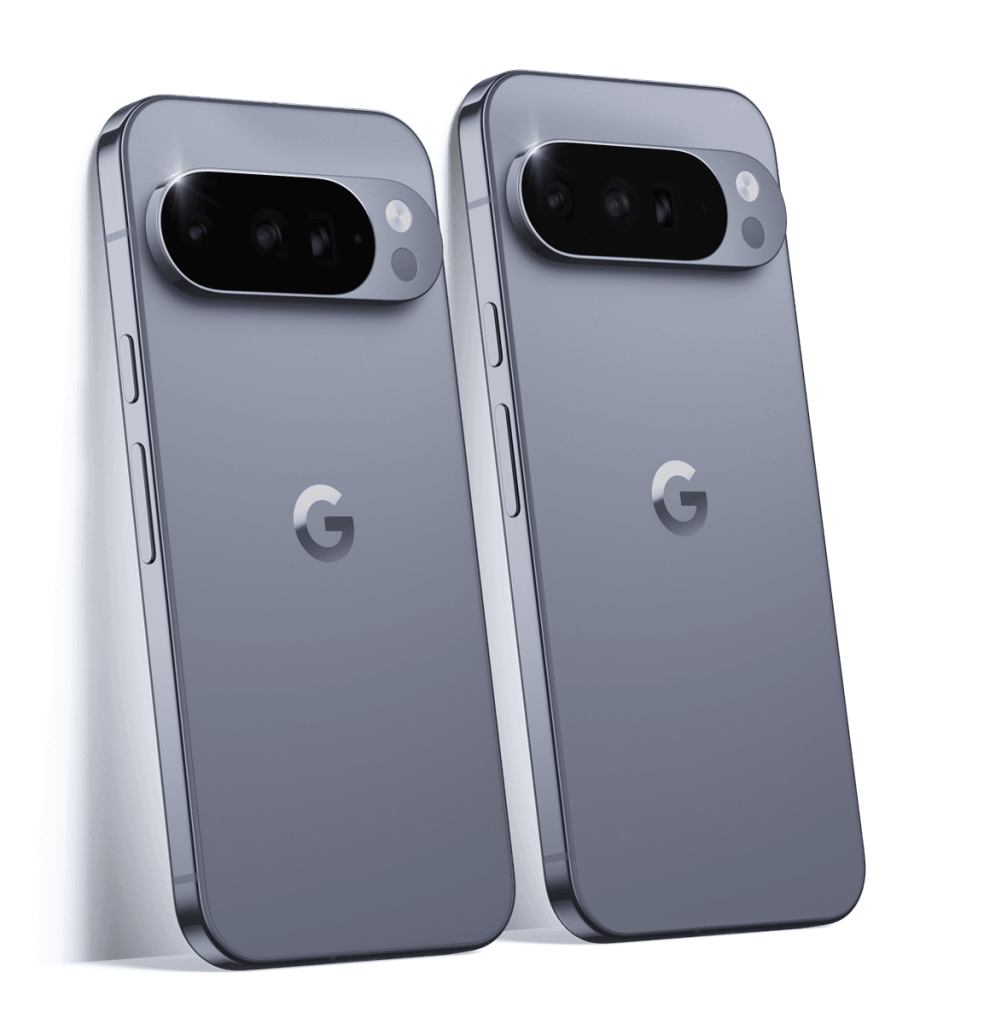
Other Android Brands
| Brand | Compatible models |
|---|---|
| Huawei | P40, P40 Pro (later models limited) |
| Xiaomi | 12T Pro, 13/14 series, select Redmi and Xiaomi 15 |
| Oppo | Find X3 Pro, Find X5 series |
| Sony | Xperia 10 III Lite, 10 IV, select Xperia 1/5 IV variants |
| Motorola | Razr foldables (2019+) |
| Rakuten | Rakuten Mini, Rakuten Hand |
Tablets and Laptops
Cellular iPads from 2018 onward, Samsung Galaxy Tab S7+ 5G and later, Microsoft Surface Pro X and Pro 9 LTE, and Lenovo ThinkPad X1 Carbon 5G include eSIM. Japan Wireless does not guarantee eSIM activation on tablets or smartwatches — smartphones only.
What Blocks a “Compatible” Phone From Working
Hardware compatibility is only step one. These four issues account for most failed activations:
- Carrier lock. A US Verizon iPhone 13 has eSIM hardware but rejects a Japan Wireless profile until Verizon unlocks it. Request the unlock 5–10 days before departure.
- QR code deleted after install. Japan eSIM QR codes are single-use. If you delete the profile, you cannot reinstall from the same QR. Japan Wireless charges to reissue.
- Data roaming toggled off. After install, go to Settings > Cellular > [Japan eSIM] > Data Roaming ON. Without this, the plan won’t activate on landing.
- Home SIM left on data. Turn off cellular data for your home SIM before landing to avoid a roaming bill from your home carrier.
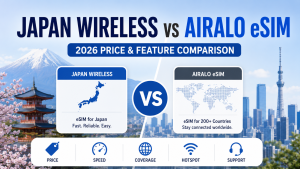
Japan Wireless delivers the eSIM QR code by email within about 2 minutes of purchase. Install before you fly (installation needs Wi-Fi), then switch on data roaming after landing at Narita, Haneda, or Kansai. Pricing at launch of the 2026 season:
- 5G Unlimited (KDDI): 3-day $20.79, 7-day $35.35, 14-day $62.39, 30-day $83.19 (~$2.77/day)
- Group discount: 20% off automatically when you buy 2 or more eSIMs
Support runs 7 days a week in 7 languages via chat, email, and phone.
Best eSIM Plans for Tourists in Japan
With compatibility confirmed, here’s why prepaid tourist eSIMs are the best way to stay connected:
- Instant Activation: Purchase online, receive a QR code, and activate in minutes. No physical card or airport pickup.
- Affordable Data Options: Plans start from short 3-day unlimited packages to 30-day options with large data allowances. Expect pricing around $19 USD for 3 days, or ~$21 for a week with high-speed data followed by unlimited low-speed.
- Reliable Coverage: Powered by top Japanese carriers like NTT Docomo and Softbank, you’ll have strong 4G/LTE coverage across major cities and tourist destinations.
- Flexible Durations: Options include 3, 7, 15, and 30 days. Top-up is available if you extend your stay.
- Customer Support: English-language support is available daily via email and chat, with troubleshooting guides provided.
Frequently Asked Questions
Is my iPhone compatible with a Japan eSIM?
Yes, if it’s an iPhone XR, XS, or newer (2018+) and not sold in mainland China. All iPhone models from XR through 17 support eSIM, and iPhone 14, 15, 16, and 17 sold in the US are eSIM-only. Dial *#06# — if an EID number appears, you’re compatible. The phone must also be carrier-unlocked.
Is my Android phone eSIM compatible for Japan?
Google Pixel 4 and newer, Samsung Galaxy S20 and newer (including Note 20, Z Flip, Z Fold), and select models from Xiaomi (13/14 series), Oppo (Find X5), Sony (Xperia 10 IV), and Motorola (Razr 2019+) support eSIM. Check Settings > Network & Internet > SIMs > Add eSIM. Regional variants differ — a Galaxy S23 sold in one country may lack eSIM in another.
How do I check if my phone is eSIM compatible?
Dial *#06#. If an EID (32-digit number) appears below or next to the IMEI, your device has eSIM hardware. Alternatively, iPhone users open Settings > Cellular and look for “Add eSIM”; Android users open Settings > Network & Internet > SIMs or Connections > SIM Card Manager. Both checks take under 30 seconds.
Does my phone need to be unlocked to use a Japan eSIM?
Yes. Even with eSIM hardware, a phone locked to a home carrier (Verizon, AT&T, EE, Optus, etc.) will reject a Japan Wireless eSIM. Contact your carrier 5–10 days before departure and request an unlock. On iPhone, verify at Settings > General > About > Carrier Lock — it should read “No SIM restrictions.”
Will an iPhone bought in China work with a Japan eSIM?
No. iPhones sold in mainland China (model numbers ending in CH/A) have no eSIM hardware — Apple uses a dual physical-SIM tray instead. Some Hong Kong variants also omit eSIM. Check Settings > General > About for the model number before buying a Japan eSIM. If it’s a China-market iPhone, choose Pocket WiFi or a physical SIM instead.
What happens if I buy a Japan eSIM and my phone won’t connect?
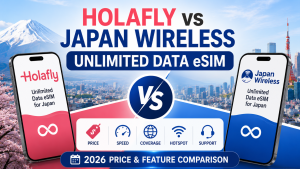
Japan Wireless runs guided troubleshooting by chat, email, and phone in 7 languages. If checks confirm the eSIM can’t activate on your device, JW ships a free Pocket WiFi as backup — no other Japan eSIM seller offers a physical fallback. Holafly issues a refund for incompatible devices instead. Japan Wireless eSIM plans are listed as non-refundable.
Can I use a Japan eSIM on an iPad or Apple Watch?
Cellular iPads from 2018 onward and Apple Watch Series 3 and newer with LTE include eSIM hardware, but Japan Wireless does not guarantee activation on tablets or smartwatches — the service targets smartphones. Some carriers restrict eSIM profiles to phones. If you need data on an iPad, tether it from a compatible phone or rent a Pocket WiFi (up to 15 devices share one hotspot).
Is my Pixel eSIM compatible for Japan?
Google Pixel 4, 4a, 5, 5a, 6, 6a, 6 Pro, 7, 7a, 7 Pro, 8, 8a, 8 Pro, 9, 9 Pro, and 10 series all support eSIM and dual SIM (one physical + one eSIM). Pixel 3 has eSIM but occasional third-party carrier issues. All must be carrier-unlocked. Open Settings > Network & Internet > SIMs > Add eSIM to confirm.
Final Tips
To make your trip seamless:
- Unlock your device before travel, if it’s carrier-locked.
- Save your QR code offline (screenshot or print).
- Follow setup instructions carefully: On iPhone, go to Settings > Cellular > Add Cellular Plan. On Android, check Network & Internet > Add eSIM.
With an eSIM-ready device and a prepaid plan, you’ll be connected the moment you land. No SIM swaps, no queues, just smooth connectivity for maps, translation, and sharing your journey.