

If you’re planning a trip to Japan, you’ve probably come across several internet options, including Pocket WiFi, SIM cards, and eSIMs. One of the most common questions travelers ask is:
Do you need a SIM card to use Pocket WiFi in Japan?
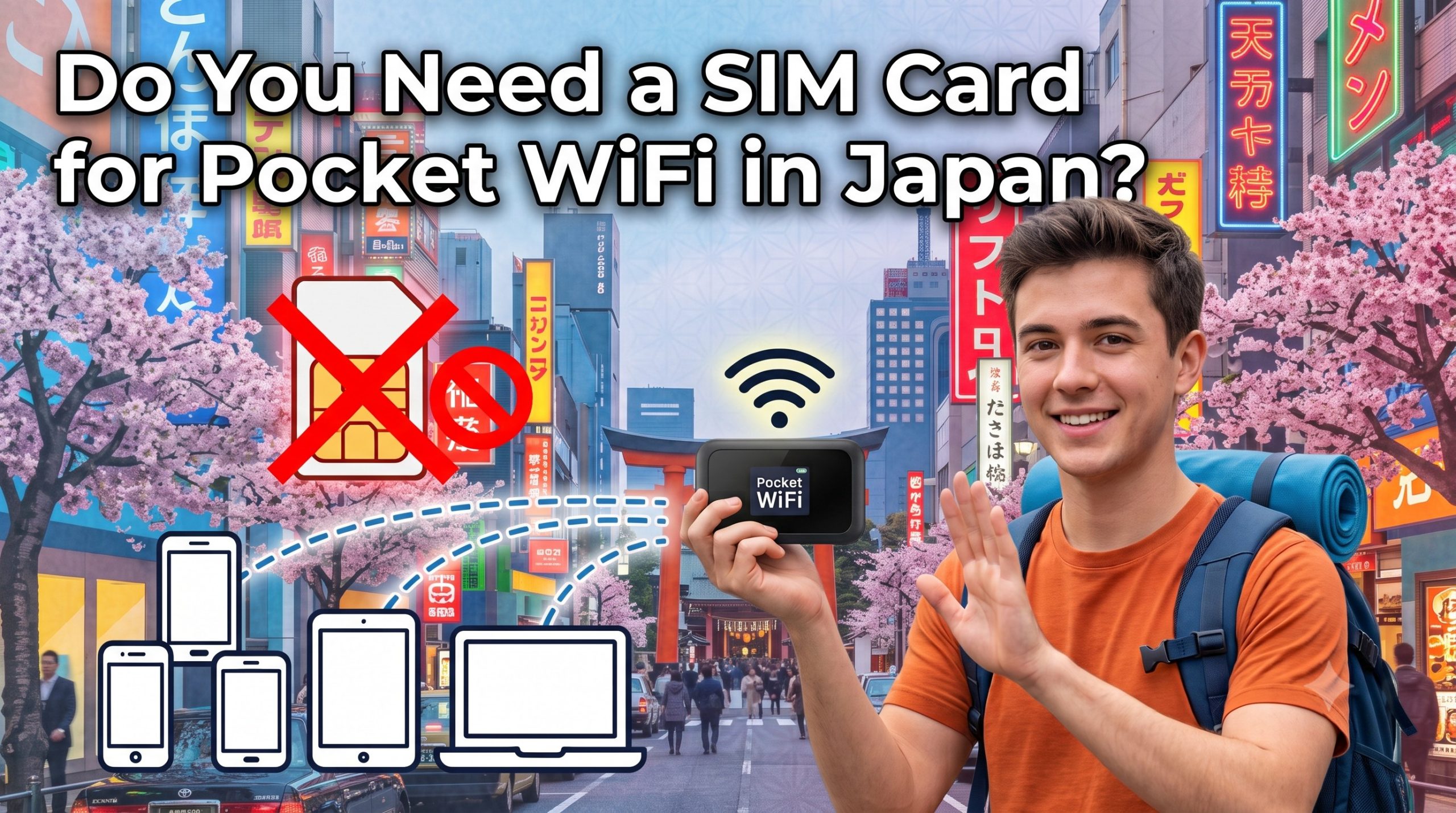
The short answer is no. You do not need a SIM card—either to insert into the device or to use separately—or an unlocked phone to use Pocket WiFi in Japan. Simply turn on the Pocket WiFi device, connect your phone, laptop, or tablet via WiFi, and you’re ready to go.
Why Pocket WiFi Doesn’t Need Your SIM
A pocket router is a self-contained modem. The rental company installs a domestic Japanese SIM inside the device or cloud signal, so the router — not your phone — is the one talking to the cell network. Your phone connects to the router the same way it connects to hotel WiFi at home: SSID and password, no carrier settings, no APN, no unlock code, no eSIM QR scan.
This is the core structural difference between Pocket WiFi and a travel SIM:
- Pocket WiFi: SIM is inside the rental device. You bring a phone in any state (locked, unlocked, iPhone, Android) and it just works over WiFi.
- Travel SIM / eSIM: SIM goes into your phone. Your phone must be carrier-unlocked (physical SIM) or eSIM-compatible, and only that one phone gets data.
If you are traveling with family or a group, this matters. A Japan Wireless device covers up to 10 devices on one rental. Four travelers sharing a 14-day Unlimited plan at ¥10,999 pay ¥2,750 per person for the trip, not per day.
Japan Pocket WiFi vs. Travel SIM vs. eSIM
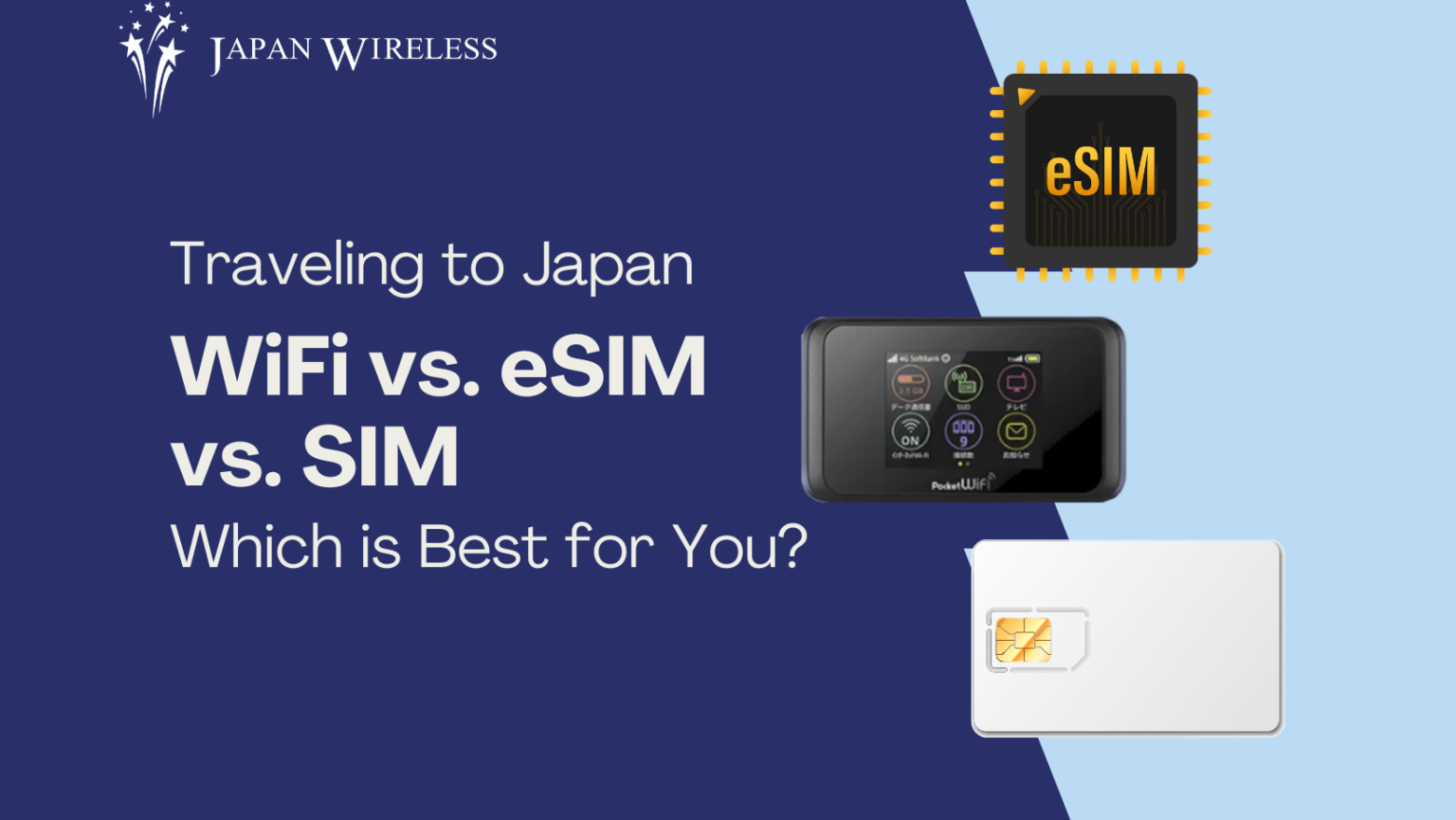
A SIM or eSIM — as alternatives to Pocket WiFi — is a better choice in two cases: (1) when you are traveling solo and only need data on one phone, or (2) when you want to keep your device in your pocket without carrying an extra router and power bank. Below, we compare the current 2026 pricing of common alternatives.
| Feature / Metric | Pocket WiFi | Travel Physical SIM | Travel eSIM |
| Where the SIM Lives | Pre-installed inside the router | Inserted into your phone | Digitally downloaded to phone |
| Phone Unlock Required? | No (Works on locked devices) | Yes (Must be unlocked) | Yes (Must be unlocked) |
| Connected Devices | ~10 devices | 1 device (Hotspot dependent) | 1 device (Hotspot dependent) |
| Best For | Couples, families, groups, multi-device users | Solo travelers with unlocked phones | Tech-savvy solo travelers with short trips |
| Primary Limitation | Must carry & charge a second device | Single-device use; replaces home SIM | Requires eSIM-compatible phone |
What You Actually Get in the Box
A standard Japan Pocket WiFi rental package (e.g., Japan Wireless, Ninja WiFi) includes:
- Pocket Router: Compact modem (battery life: ~8–12 active hours).
- Auxiliary Power Bank (free or an add-on option, depending on providers): Included to ensure full-day operation during long travel days.
- Charging Accessories: Micro-USB/USB-C cable and Japanese AC wall adapter.
- Prepaid Return Envelope: Japan Post pre-addressed envelope for mailbox return.
- Instruction & Credential Card: Contains the network name (SSID) and WPA2 security password.
There is no SIM tray to open, no PIN to enter, and no activation call. Turn the device on, join the SSID on your phone, enter the password from the card.
Pickup and Return Logistics in Japan
1. Pickup Locations
Major rental providers maintain pickup counters at key Japanese international gateways:
- Narita International Airport (NRT): Terminal 1 (JAL ABC Counter, South Wing 1F) & Terminal 2.
- Haneda Airport (HND): Terminal 3 (3rd Floor Departure Level).
- Kansai International Airport (KIX): Terminal 1 Arrival Lobby (1F).
- Additional Airports: Fukuoka (FUK), New Chitose (CTS), and Chubu Centrair (NGO).
Hotel delivery costs ¥500, with next-day delivery to some areas if booked by 3:00 PM JST the day before.
Japan Wireless’s two-hour express airport pickup is available at Narita, Haneda, Fukuoka, Kansai, and New Chitose when booked at least 2 hours ahead.
2. Return Process
- Place the router, charging cable, adapter, and power bank into the provided prepaid Japan Post envelope.
- Seal the envelope.
- Drop the envelope into any red Japan Post mailbox across Japan, including airport mailboxes located prior to security screening checkpoints (e.g., Narita T1 4F, Haneda T3 3F).
Frequently Asked Questions
Does my phone need to be unlocked to use Pocket WiFi in Japan?
No, your phone does not need to be carrier-unlocked to use Pocket WiFi. The rental device holds the SIM and broadcasts WiFi, so your phone only needs working WiFi — the same feature you use at home or in a hotel. This is the main reason travelers with locked iPhones from US carriers choose Pocket WiFi over a Japan eSIM.
Can I receive phone calls and SMS from home while connected to Pocket WiFi?
Yes. Leave your home physical SIM inside your phone, keep your primary cellular line active, but turn off “Data Roaming” in your cellular settings. You will receive SMS verification codes and voice calls via your home carrier while all app data (Maps, WhatsApp, Web) runs over the Pocket WiFi connection.
How many phones can connect to one Pocket WiFi?
A Japan Wireless Pocket WiFi supports up to 10 simultaneous devices on one rental. Sakura Mobile allows up to 15. For a family of four or a group of friends, one rental replaces four eSIMs — a 14-day Unlimited plan at ¥10,999 splits to ¥2,750 per person across four travelers.
What happens if the Pocket WiFi stops working — do I need to swap the SIM?
No, you never touch the SIM. Japan Wireless dispatches a free same-day replacement device if the unit fails, and multilingual support (English, Japanese, Chinese, Korean etc.) handles troubleshooting. Users do not open or replace the SIM inside the device.
Do I still need Pocket WiFi if there is free WiFi in Japan?
Free WiFi in Japan covers airports and some cafes, but the convenience-store network has shrunk sharply. Many places discontinued their own free WiFi. Shinkansen Free Wi-Fi caps sessions at 30 minutes. For continuous and secured connection on the move, a rental router is more reliable.
Can I change or swap the SIM card inside the Pocket WiFi device?
No, you are strongly advised not to open the device or attempt to change the internal SIM card.
Rental Pocket WiFi routers are pre-configured modem units sealed with tamper-evident stickers. Removing or swapping the internal SIM card will disrupt the router’s custom Access Point Name (APN) settings, rendering the device unusable. Additionally, opening or tampering with the unit can void your rental agreement and result in hardware damage fees.
What to do if your connection stops working:
- Restart the device: Power down the unit for 15 seconds and turn it back on.
- Contact Customer Support: If troubleshooting fails, reach out to your rental provider’s support team.
For more information, check the below article
Still deciding? You can reserve now and pick up at Narita, Haneda, or Kansai — or get 2-hour express pickup. Free same-day replacement if anything fails.
⭐ 4.8/5 · English support 7 days a week