

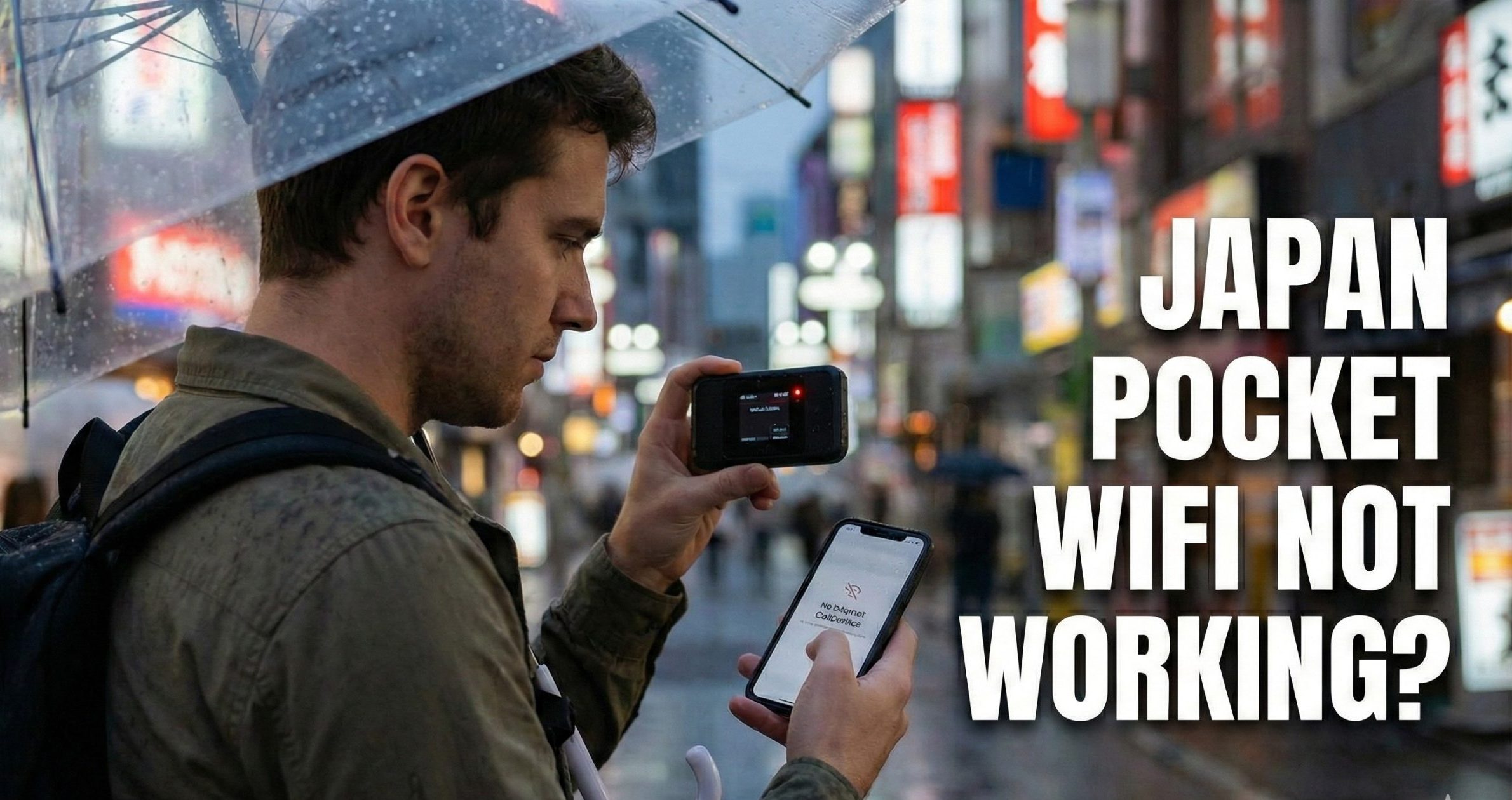
To fix pocket WiFi not working in Japan, hold the power button for 10–15 seconds until the manufacturer logo appears — this full reboot resolves most connection drops. If the router is still online but your phone shows “No Internet,” forget the network on your phone and reconnect. If speeds crawl at 128 kbps, you have hit the carrier’s Fair Usage Policy (FUP) and the throttle resets at 00:00 JST.
Below are the specific fixes for each symptom, in the order you should try them.
Fix 1: The Airplane Mode Handshake (30 seconds)
Use this when you were online 5 minutes ago and suddenly aren’t — common on the Shinkansen, in subways, or when walking between buildings.
- Toggle Airplane Mode ON on your phone.
- Wait 5 seconds.
- Toggle Airplane Mode OFF.
This forces your phone to demand a fresh connection from the router, which triggers the router to hunt for a stronger local cell tower. It works because your device was still holding onto the previous tower after a handover failed.
Fix 2: The 15-Second Deep Reboot
Tapping the power button only turns off the screen. To actually restart the router, hold the power button for 10–15 seconds until you see the manufacturer logo (SoftBank, au, or the rental brand) on the display. This clears the router’s cached memory — pocket WiFi devices are small computers and get “clogged” the same way a laptop does.
Fix 3: “Connected, No Internet” (Ghost Connection)
Your phone shows full WiFi bars but browsers report no connection. This is an IP-address handshake failure between your phone and the router.
- Open your phone’s WiFi settings.
- Tap the (i) or gear icon next to the rental network name.
- Select Forget This Network.
- Restart your phone (not the router).
- Reconnect and enter the password from the sticker on the back of the device.
iPhone users: If you used a Japanese SIM or eSIM on a previous trip, an old carrier profile may be blocking traffic. Go to Settings → General → VPN & Device Management and delete any old carrier profile.
Fix 4: Painfully Slow Speeds (FUP Throttling)
If pages load line-by-line and Instagram images stall, you have likely hit the Fair Usage Policy. Most “unlimited” plans in Japan enforce a soft cap of 3 GB or 10 GB per day; cross it and the carrier throttles you to 128 kbps until midnight.
- Confirm: Check the data counter on the router’s screen. Did you download a game, back up photos, or upload 4K video today?
- Fix: You cannot restart your way out of this — the throttle is applied at the SoftBank/Docomo/au network level. Speeds usually reset at 00:00 JST.
- Workaround until midnight: Text-based apps (Google Maps, WhatsApp, LINE) still work at 128 kbps.
Japan Wireless’s Unlimited Pocket Wi-Fi plan does not apply an FUP cap — see the comparison table below.
Fix 5: “Service Outside” or Red Antenna
The router screen shows a red antenna icon or “Service Outside” message.
- Are you underground? Deep subway lines like the Oedo Line and long Shinkansen tunnels (Seikan, Shin-Kanmon) have coverage gaps between stations. Wait until the next station.
- Check Eco Mode. Many routers ship with a “Battery Saver” or “Eco Mode” that cuts transmit power. Tap through the settings on the router screen and switch to High Performance or Standard. Eco mode can weaken the signal enough to drop out inside concrete hotel rooms.
Fix 6: The Factory Reset (Last Resort)
Only use this if the router is frozen or looping on the boot logo.
- With the router powered ON, find the pinhole button labeled Reset or R on the side or back.
- Use a SIM ejector tool (or an earring pin) and hold the button for 10 seconds.
- The router will reboot with factory defaults.
Warning: This reverts the WiFi password to the one printed on the sticker. Any custom password the rental company gave you on a slip of paper will no longer work.
Having trouble connecting to the internet or unable to charge? Solve problems fast with our easy-to-follow troubleshooting videos below.
When to Contact Your Rental Company
If Fix 2 and Fix 6 both fail and you still have a red antenna in central Tokyo, the internal SIM or hardware has likely failed. Contact the rental company by LINE, WhatsApp, or email. Reputable providers dispatch a replacement to your next hotel by next-day mail. Japan Wireless sends a free backup eSIM to keep you online while the replacement router is in transit, at no extra charge. Their support runs 24 hours in English, Japanese, Chinese, and Korean.
Provider Comparison: Which Rentals Throttle Speeds?
FUP throttling is the single most common cause of “slow WiFi” complaints. Here’s how the main rental companies handle it:
| Provider | Daily Price (Unlimited) | Fair Usage Policy | Power Bank | Replacement Policy |
|---|---|---|---|---|
| Japan Wireless | ~¥590/day (truly unlimited, 20% discount) | Pocket WiFi has no cap, no throttling | Included free | Free eSIM + free replacement router |
| Ninja WiFi | From ¥2,200/day (5G Unlimited) | Best-effort, can throttle under load | ¥110–200/day extra | Standard replacement |
| Sakura Mobile | ¥563/day (30-day plan) | No throttling on unlimited plan | Not included | Standard replacement |
| Pupuru WiFi | ¥1,000/day flat | Throttles above soft cap | Not included | Delivery-only, no counter |
| SoftBank Global Rental | ¥860/day | Standard carrier FUP | Not included | Counter exchange |
If your existing rental keeps throttling, switching to a provider without an FUP cap (Japan Wireless, Sakura Mobile’s unlimited tier) is the only way to avoid the 128 kbps ceiling.
Frequently Asked Questions
How do I fix pocket WiFi not working in Japan?
Hold the power button for 10–15 seconds to force a full reboot — this fixes the majority of connection drops. If that fails, toggle airplane mode on your phone, then forget and rejoin the network. If speeds crawl at 128 kbps, you have hit the daily Fair Usage Policy cap and must wait for the 00:00 JST reset. If a red antenna persists after a factory reset, contact your rental provider for a replacement. If you rented from Japan Wireless, support is available 24/7 in English, Japanese, Chinese and Korean at [email protected] – they can walk you through the reboot, and send a free backup eSIM and a replacement router if the unit has actually failed.
Why does my pocket WiFi say “Connected, No Internet”?
“Connected, No Internet” means your phone and router failed the IP handshake — forget the network on your phone, restart the phone, then reconnect. On iPhone, also check Settings → General → VPN & Device Management and delete any old Japanese carrier profile from a previous trip. This blocks traffic even when the WiFi connection itself looks healthy.
Why is my Japan pocket WiFi so slow all of a sudden?
A sudden drop to crawl-speed means you hit the Fair Usage Policy, and the carrier throttled you to 128 kbps until midnight Japan time. Most “unlimited” rentals cap daily data at 3 GB or 10 GB. Restarting will not lift the throttle — it is applied at the network level. Japan Wireless’s Unlimited Wi-Fi plan does not apply an FUP cap, so speeds stay full for the full rental period.
How do I restart my pocket WiFi router?
Hold the power button down for a full 10 to 15 seconds until the manufacturer logo appears on the screen. Tapping the button briefly only turns off the display, not the router itself. A proper reboot clears cached memory and forces a fresh connection to the SoftBank, Docomo, or au tower.
Does pocket WiFi work on the Shinkansen and in subways?
Yes, but expect drops in tunnels — the Oedo Line, Seikan Tunnel, and long mountain Shinkansen tunnels have gaps. When you re-emerge, toggle airplane mode to force your phone to grab the router’s new tower connection. Above ground and inside stations, SoftBank 4G LTE coverage is consistent across all major cities.
What if my pocket WiFi is completely broken?
Contact your rental company immediately by LINE, WhatsApp, or email — reputable providers overnight a replacement to your next hotel. Japan Wireless sends a free backup eSIM the same day so you stay online while the replacement router is in transit, at no extra cost. Their support operates 24 hours in English, Japanese, Chinese, and Korean.
Will a factory reset lose my WiFi password?
Yes — a factory reset reverts the WiFi password to the default one printed on the sticker on the back of the router. If your rental company issued a custom easy password on a paper slip, that password will stop working after the reset. Use the sticker password to reconnect all your devices.
Can I fix Japan pocket WiFi without calling support?
Yes — roughly the sequence is airplane mode → 15-second reboot → forget network → factory reset, and one of these clears most issues. Only call support if the router still shows a red antenna in central Tokyo after all four steps, which indicates SIM or hardware failure requiring a physical replacement.