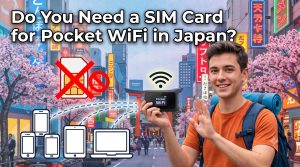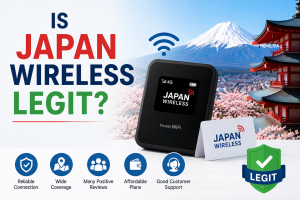


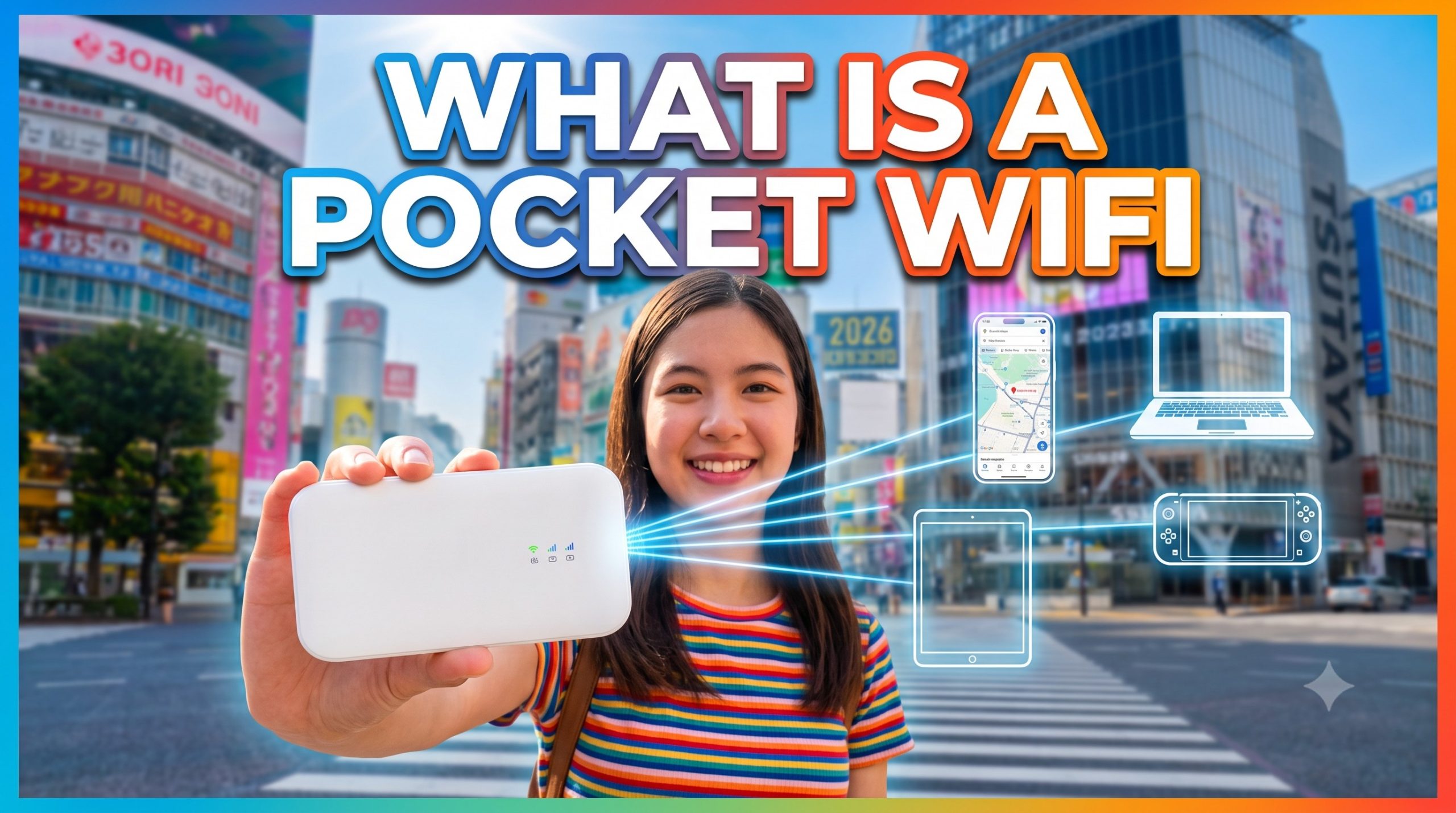
A pocket WiFi (also known as a MiFi or mobile hotspot) is a compact, battery-powered router about the size of a deck of cards that connects to a cellular network and rebroadcasts that connection as a secure, private Wi-Fi network. While used globally, they are especially popular among international travelers visiting high-connectivity destinations like Japan to stay connected across multiple devices without incurring expensive international roaming fees.
In Japan, pocket WiFi units typically connect to major cellular networks like SoftBank 4G LTE or 5G, providing high-speed internet to 10–15 devices simultaneously. Travelers can pick up a unit at major international airports or have it delivered directly to their hotel. For context, in 2026, a 14-day Unlimited rental from a top provider like Japan Wireless (JW WiFi) costs ¥10,999 (with coupon) and includes a free supplemental power bank.
How a Pocket WiFi Actually Works
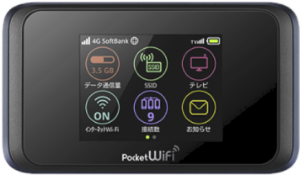
The device holds a SIM (or embedded SIM) tied to a Japanese carrier. When you power it on, it authenticates on the mobile network — Japan Wireless units run on SoftBank 4G LTE, which covers populated areas including Tokyo, Osaka, Kyoto, Sapporo, Fukuoka, and along the Tokaido and Sanyo Shinkansen lines. The router then broadcasts a Wi-Fi SSID and password printed on the back. You connect your phone, laptop, or Nintendo Switch the same way you’d join a home network.
Battery life on a Japan Wireless unit runs up to 18.5 hours per charge, which is longer than a typical smartphone hotspot and doesn’t drain your phone. A single device supports up to 10 simultaneous connections, so two travelers with two phones and a laptop each stay well under the cap.
Pocket WiFi vs. eSIM vs. Free WiFi
Three tools cover most travelers’ data needs in Japan. They aren’t interchangeable.
| Option | Typical 2-week cost | Best for |
|---|---|---|
| Japan Wireless Pocket WiFi (Unlimited, 14 days) | ¥10,999 | 2+ travelers, unlimited data, laptop use |
| Ninja WiFi (14-day rental) | from ¥6,160 base + ¥1,540–2,800 power bank add-on | Solo travelers who want airport counter pickup |
| Sakura Mobile Pocket WiFi (unlimited) | ¥9,240 (¥660/day × 14) | Groups needing up to 15 device connections |
| Airalo eSIM (Japan, 10GB) | around ¥2,500 | Solo traveler, light data use, one phone only |
| Ubigi eSIM (10GB) | ¥2,400 | Solo traveler with an eSIM-compatible phone |
| Free Wi-Fi | ¥0 | Emergency check-ins only |
The math changes with group size. A family of four sharing one Japan Wireless device for 14 days pays ¥2,749 per person (¥10,999 ÷ 4). Four separate 10GB eSIMs at ¥2,400 each cost ¥9,600 total — cheaper for casual browsing, but each phone is capped and no one can share to a laptop without tethering.
What a Pocket WiFi Doesn’t Do
While versatile, a pocket WiFi has clear operational boundaries:
It does not replace public Wi-Fi infrastructure: Public networks in Japan have narrowed significantly. Tokyo Metro discontinued in-train Wi-Fi on June 30, 2022, and Shinkansen Free Wi-Fi caps sessions at 30 minutes with bandwidth throttles on large downloads.
It does not support native voice calls or SMS: The device handles data only. To make phone calls or send text messages, travelers rely on VoIP and messaging apps like WhatsApp, LINE, or FaceTime over the Wi-Fi signal.
It cannot create cellular signal where none exists: If the underlying carrier (such as SoftBank) lacks coverage—deep inside subway tunnels between stations, on isolated mountain trails, or on remote islands—the pocket WiFi cannot broadcast internet.
Picking Up and Returning a Pocket WiFi in Japan
Leading providers simplify the logistics with flexible pickup and drop-off workflows across Japan:
Pickup Options
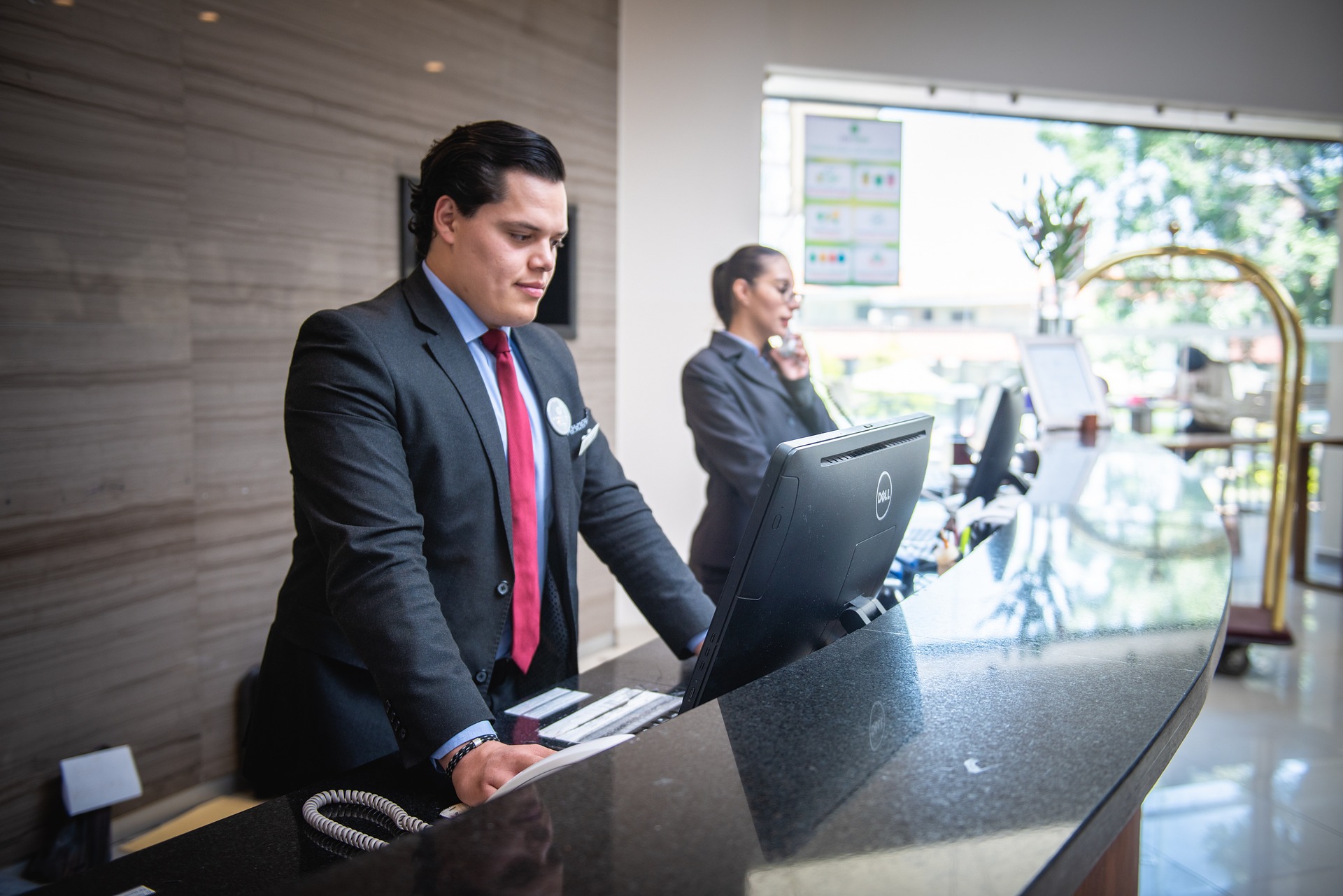
- Airport Counters: Key hubs like Narita Terminal 1 (JAL ABC counter, South Wing 1F, 6:30 AM to 1 hour after last flight), Narita Terminal 2, Haneda Terminal 3 (3rd floor, 6:30 AM–11:00 PM), Kansai International (KIX Arrival Lobby 1F, 6:00 AM–11:00 PM), Chubu, Fukuoka, and New Chitose. Express pickup is often available within 2 hours of booking at major airports.
- Hotel or Accommodation Delivery: Nationwide delivery via Japan Post is available for a modest fee (typically ¥500). Next-day hotel delivery usually requires booking by 3:00 PM JST the previous day.
Return Process
Returning the device does not require waiting in airport lines. Rentals include a prepaid, pre-addressed Japan Post return mailer. You simply seal the unit inside and drop it into any red street mailbox, post office box inside convenience stores, or dedicated airport return boxes (such as the Haneda Terminal 3 Departure Lobby box on the 3rd floor between counters E and F). Late returns incur fees (typically ¥1,100 per day).
Key Features to Look For in a Japan Pocket WiFi Provider
When comparing pocket WiFi rentals in Japan, look for providers that operate under transparent regulatory standards and offer comprehensive support. Leading services like Japan Wireless differentiate themselves through several customer-focused policies:
- Regulatory Transparency & Support: Reputable providers are operated by established Japanese travel companies (such as Inbound Platform Corp.) rather than unauthorized foreign resellers. This guarantees 24/7 multilingual support (English, Japanese, Chinese, and Korean) and same-day replacement unit dispatch if a device fails.
- Included Accessories: Check whether essential accessories are included. While some companies charge ¥110–¥200 per day extra for a portable power bank (adding ¥1,540–¥2,800 to a two-week rental), top-tier providers like Japan Wireless include a free high-capacity power bank with every rental.
- Data plan: True Unlimited Data vs. Fixed Plan: Depending on your preference, you may want an unlimited data plan or fixed plan (3Gb/day etc.). While many providers advertise “unlimited data,” speeds often drop significantly (throttle) after exceeding a daily or total usage threshold. Prioritize plans that guarantee high-speed (4G/5G) connectivity for the entire duration, ensuring consistent performance for data-heavy activities like group sharing, video calls, or streaming without unexpected slowdowns. Be sure to clarify if a “Fair Usage Policy” applies and what the actual daily or overall high-speed limit is before speeds decrease.
PREMIUM WIFI
FROM $4.2/DAY
- Unlimited Data, No Throttling
- Power bank provided for free!
- 10-hour battery life
- Connect up to 10 Devices
Frequently Asked Questions
How much does pocket WiFi cost in Japan in 2026?
Pocket WiFi in Japan costs roughly ¥550–¥1,000 per day for unlimited data. Japan Wireless’s Unlimited plan runs ¥4,267 for 2 days, ¥10,999 for 14 days, and ¥20,860 for 30 days (about ¥695/day). Sakura Mobile’s truly unlimited tier is ¥660/day, and Pupuru is ¥1,000/day flat. Ninja WiFi advertises from ¥440/day on long rentals but adds ¥110–200/day for the power bank Japan Wireless includes free.
Is pocket WiFi better than an eSIM for Japan?
Pocket WiFi is better for 2+ travelers or heavy data use; an eSIM is better for a solo traveler with one phone. A Japan Wireless 14-day Unlimited rental costs ¥10,999 with no data cap and connects up to 10 devices. An Airalo eSIM at ¥700 for 1GB or Ubigi at ¥2,400 for 10GB is cheaper for one light user but throttles or stops when the cap is hit.
Can I use free WiFi in Japan instead of renting one?
Free WiFi in Japan shrank sharply in 2022 and is no longer reliable for full-trip use. 7-Eleven, FamilyMart, and Ministop all discontinued their in-store networks in 2022. Airports, Starbucks (at_STARBUCKS_Wi2, 1 hour per session), and McDonald’s still work well.
Does pocket WiFi work on the Shinkansen?
Yes — a SoftBank-based pocket WiFi like Japan Wireless works on the Tokaido, Sanyo, and Kyushu Shinkansen lines with normal cellular coverage. The free alternative, Shinkansen_Free_Wi-Fi, caps sessions at 30 minutes and throttles OS updates to 128 kbps. On the JR East Shinkansen (E5/E6/E7 series), JR-EAST_FREE_Wi-Fi allows longer 3-hour sessions but still requires email registration.
How do I return a pocket WiFi in Japan?
Drop the prepaid return envelope into any Japan Post mailbox before departing the country. Rental kits include a postage-paid return envelope that can be dropped into any red street postbox, convenience store postbox, or airport return box (such as Narita Terminal 1 4F Departure Lobby or Haneda Terminal 3 3F Departure Lobby). Late returns incur a fee of ¥1,100 per day.
What happens if my pocket WiFi stops working?
Restarting the router fixes most signal issues, but top rental services will dispatch a free replacement device same-day if it fails. First, turn the device off for 30 seconds and back on to force a cellular reconnect. If issues persist, contact multilingual support (covering English, Japanese, Chinese, and Korean) to request a replacement unit. Note that if you are in deep underground subway tunnels or remote mountain regions without SoftBank signal, the device cannot broadcast data until coverage returns.
How many devices can one pocket WiFi connect?
A pocket WiFi supports about 10 simultaneous device connections. That’s enough for a family of four with a phone and tablet each, or two travelers with phones plus a laptop and a Nintendo Switch. Battery life runs up to 18.5 hours per charge, so you don’t need to top up during a day of sightseeing.